
Photoshop Tutorials Roundup – March, 2010
March has brought us both a new spring and fresh content in tutorials, just for us to get inspired and learn new techniques in our craft, so we can always surprise not only our audience, but also ourselves. Here they are.
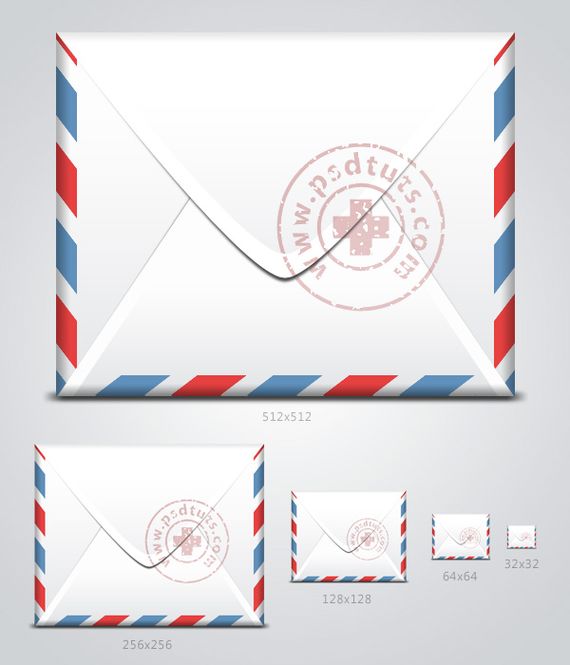
How to create an envelope icon in Photoshop – Screencast
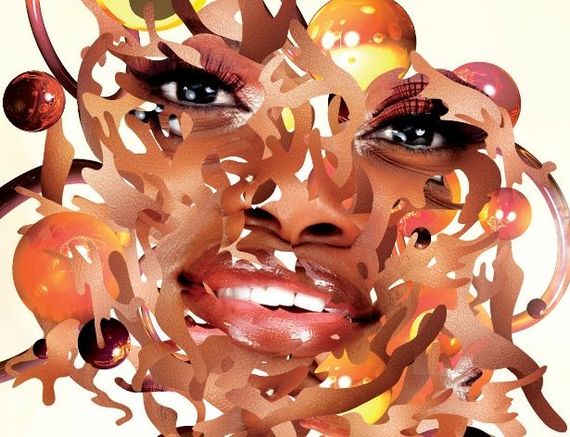
Create a sweet chocolate coated text effect

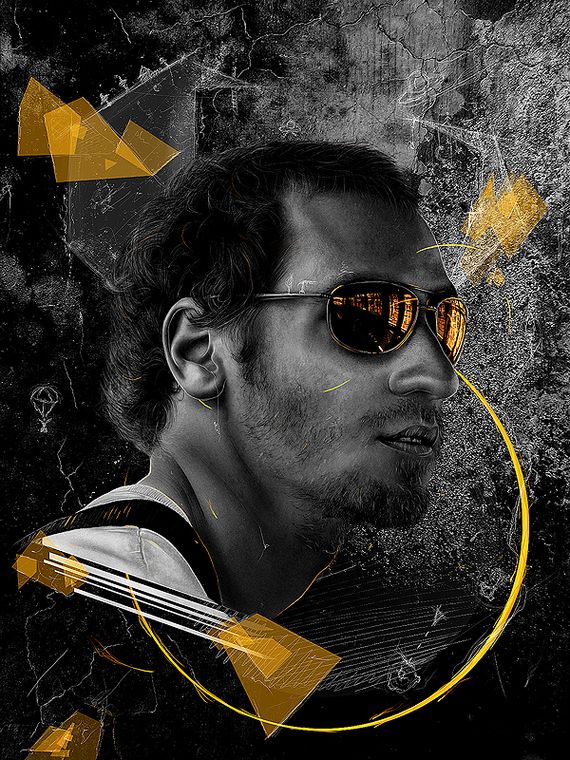
Create a dark and surreal poster using your own portrait
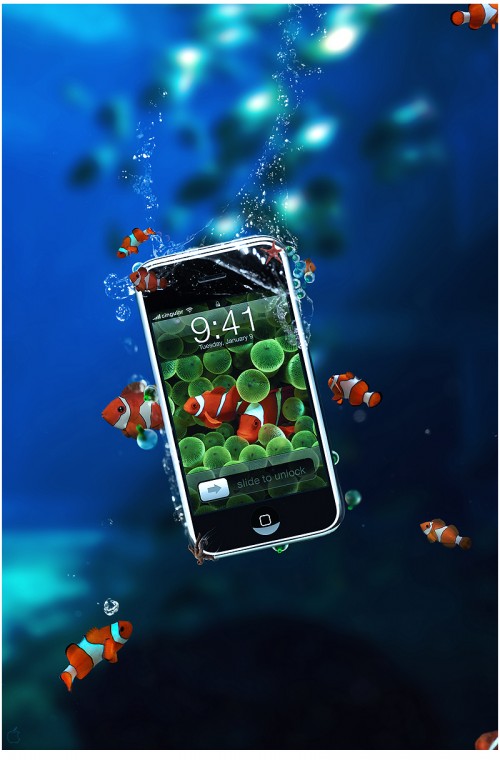
Create an illustrative iPhone / iPad landing page in Photoshop

Design a tropical iPhone advertisement
Use a tablet to create stunning comic book fan art illustrations
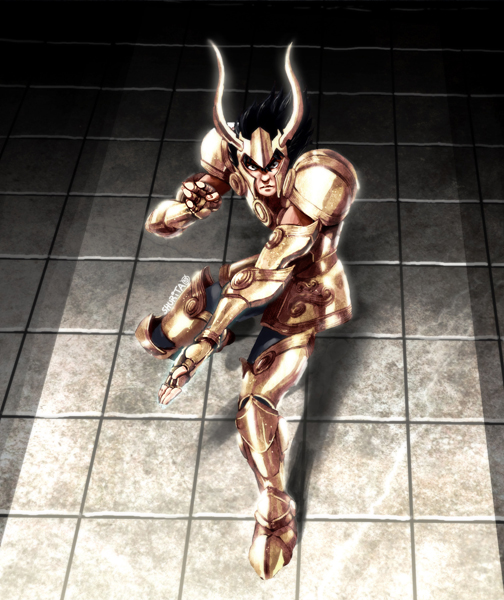
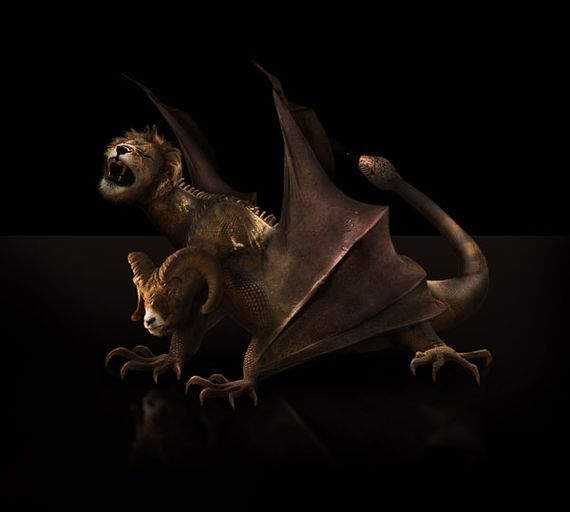
Photo effects tutorials: making of Chimera
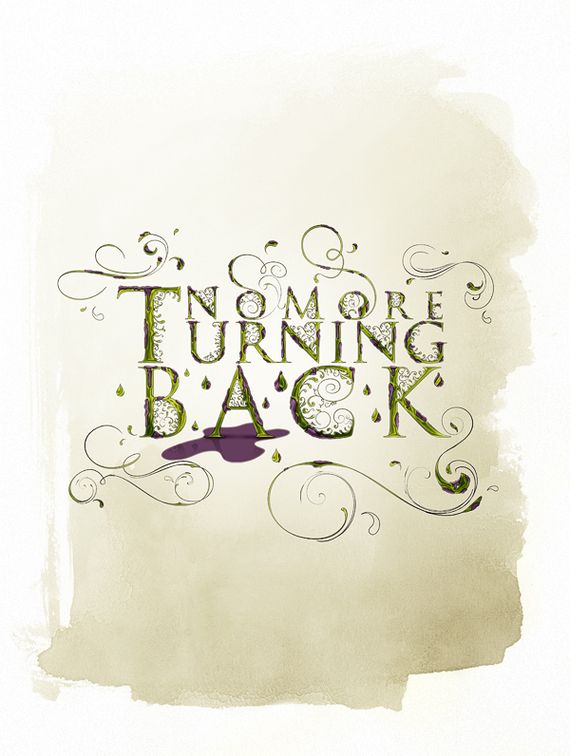
Create vibrant typography in a rough cartoon style
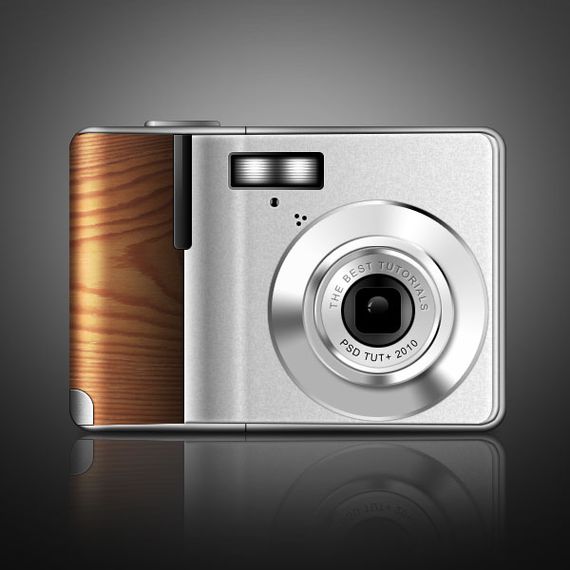
Create a digital camera with wooden accents using Photoshop
How to create cool Retro graphics

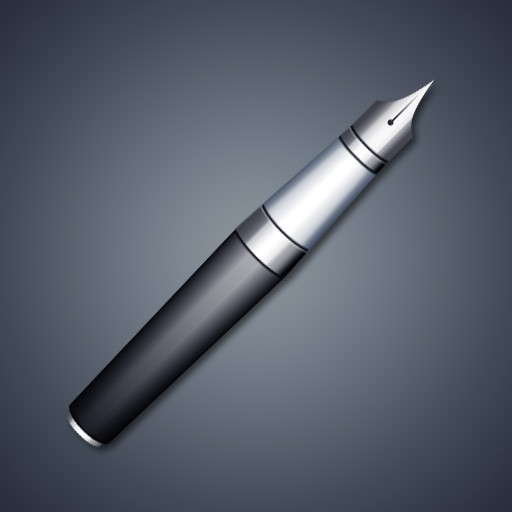
How to create a realistic fountain pen – Screencast
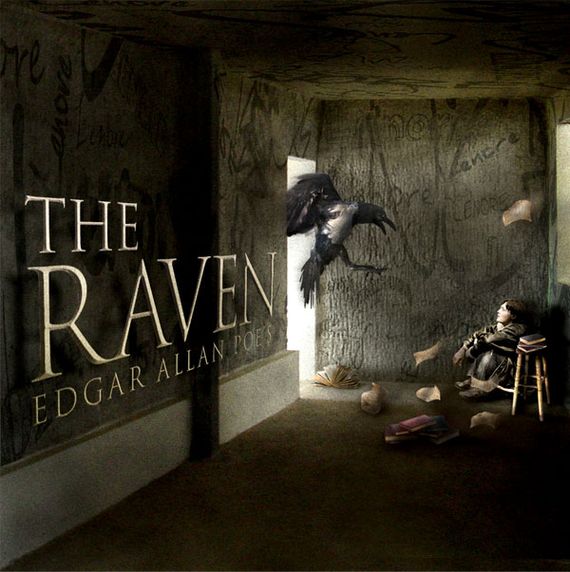
Use Photo manipulation and 3D layers to design a surreal cover art
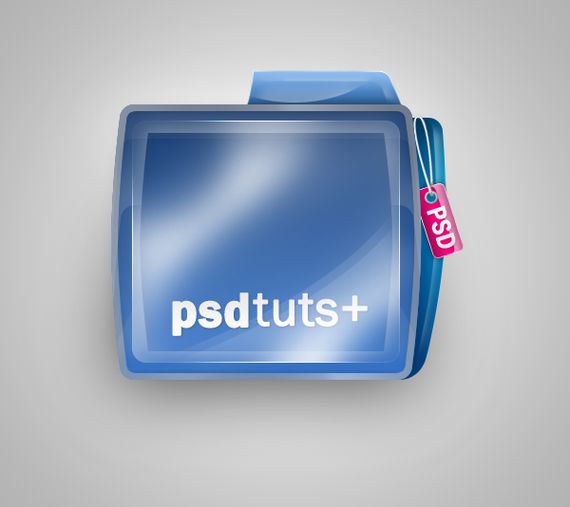
Create a shiny PSD-Tuts folder icon in Photoshop
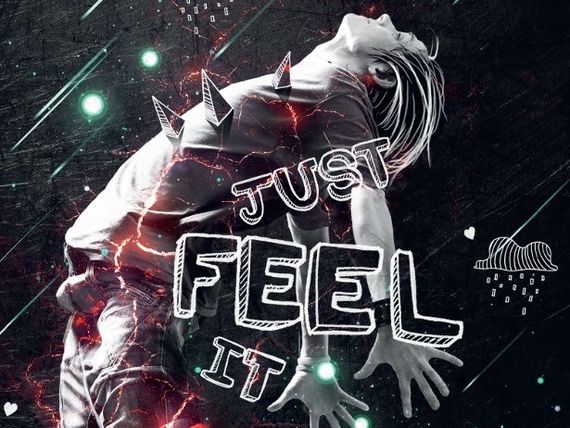
Create light effects with texture
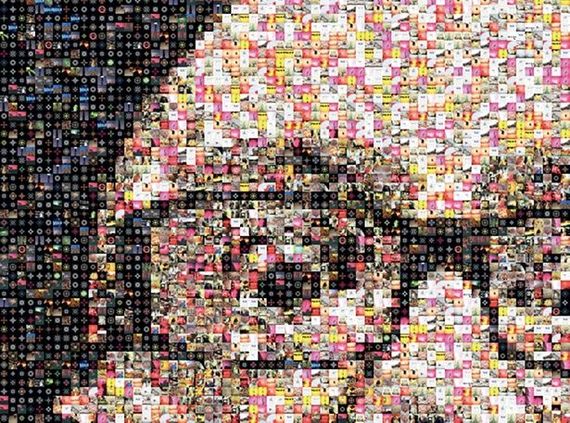
Create photo mosaics with your webcam

Brilliant matte dispersion effects in Photoshop
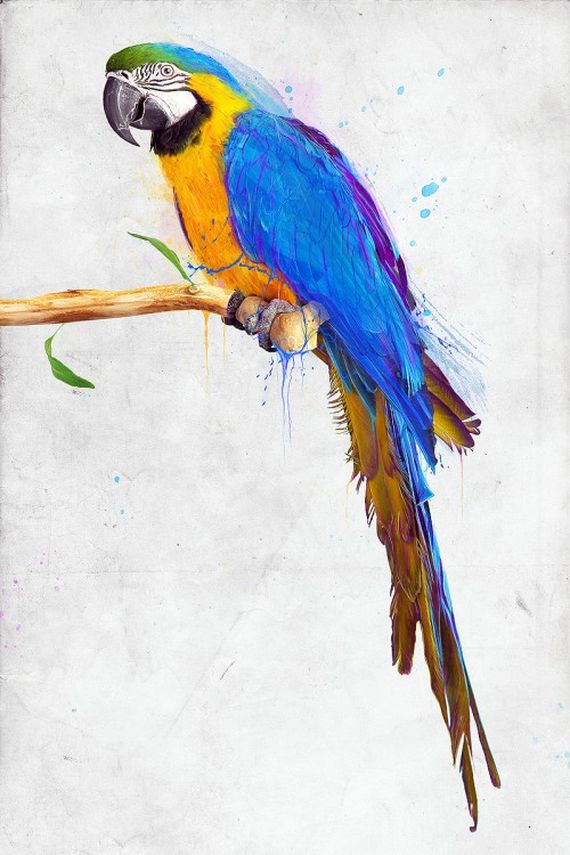
Playing with vectors in Illustrator
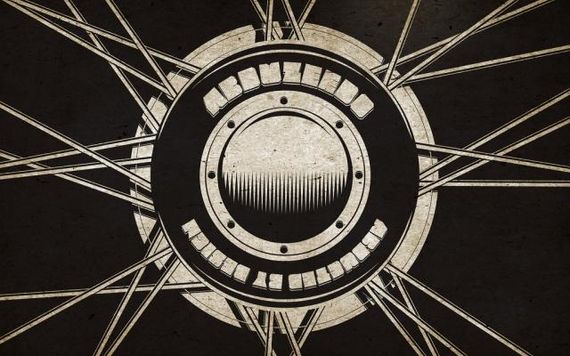
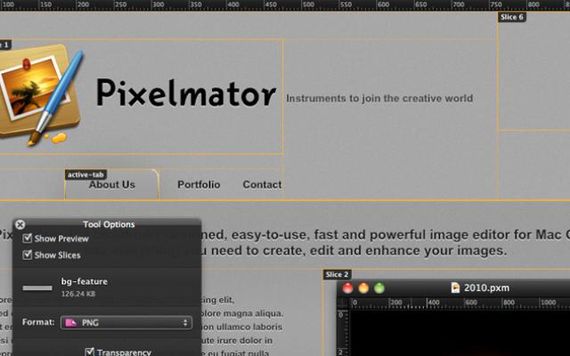
Playing with watercolor brushes and masks in Pixelmator
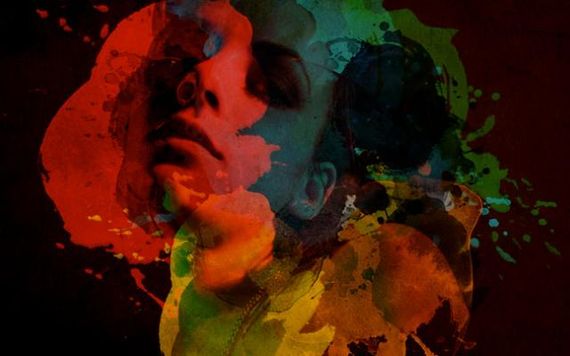
Super easy neon style in Photoshop
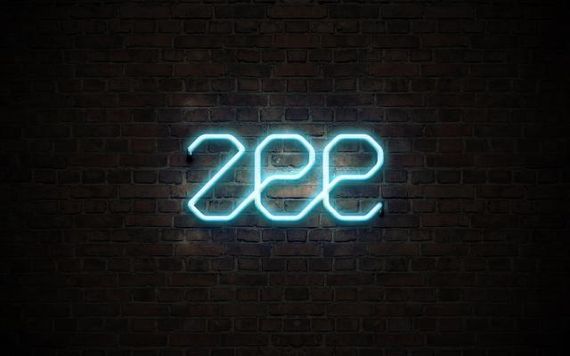
Photoshop and Illustrator: Create a retro poster art

Combine renders and light effects for awesome results
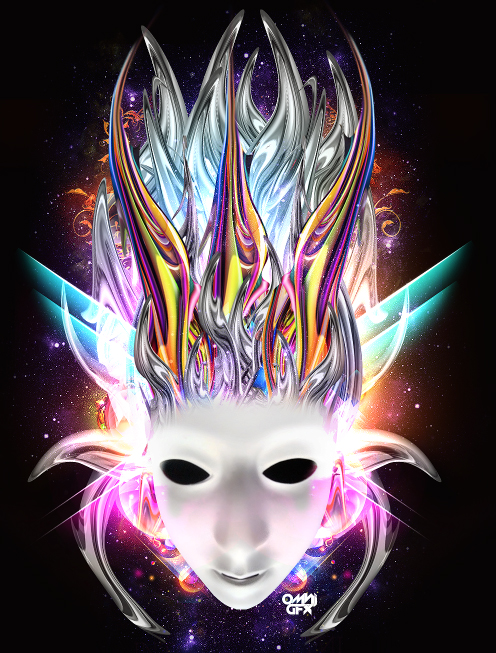
Achieve brilliant lighting effects
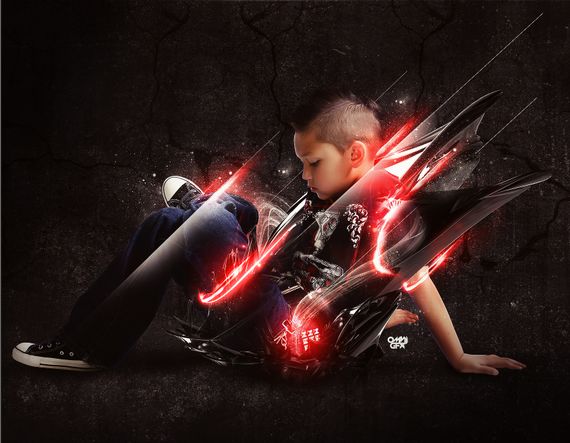
Create a sci-fi interior using digital painting techniques
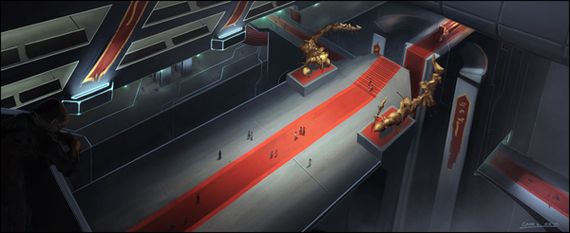
Create a cosmic X-box using custom brushes
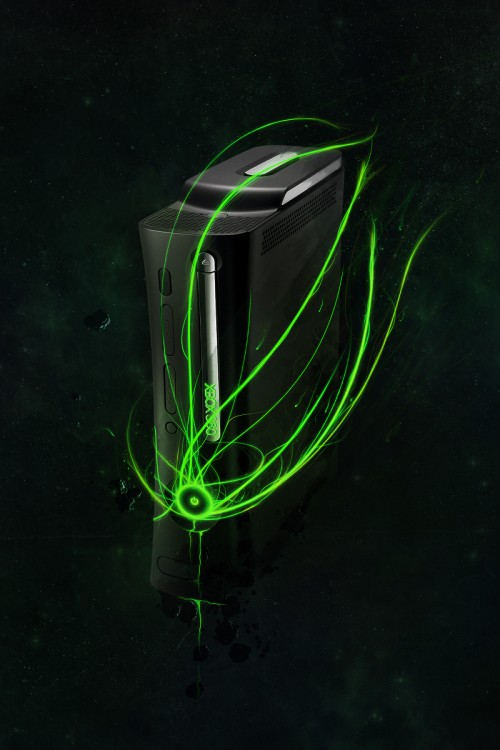
How to import 3D renders from Cinema 4D to Photoshop
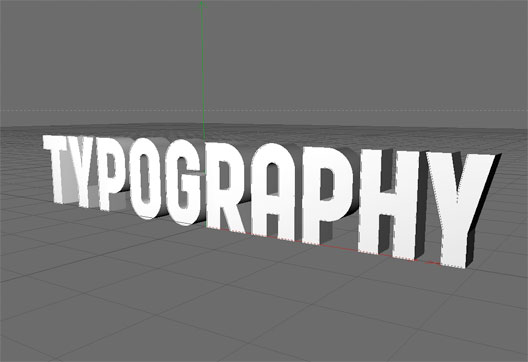
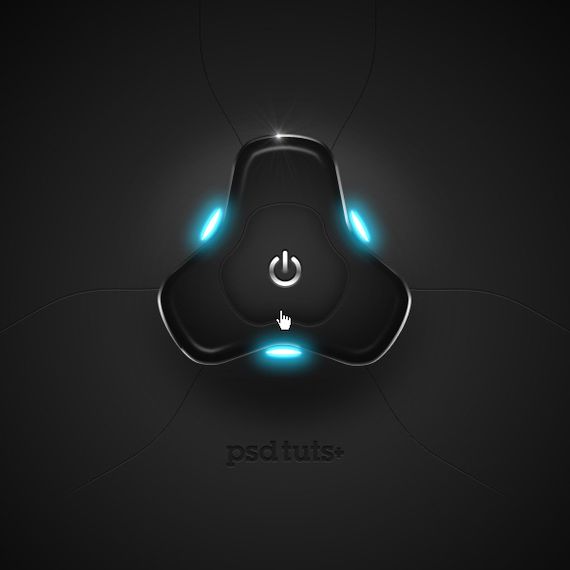
How to create a highly detailed hi-tech power button
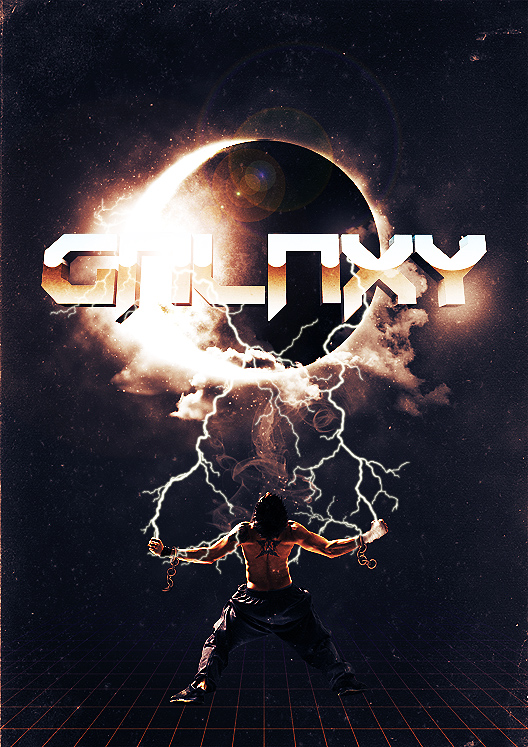
Create a sci-fi poster design in Photoshop
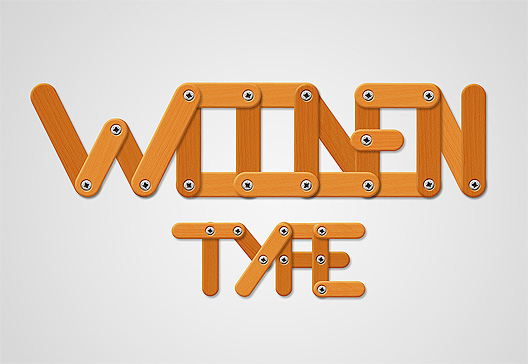
Create a funny wooden type treatment in Photoshop
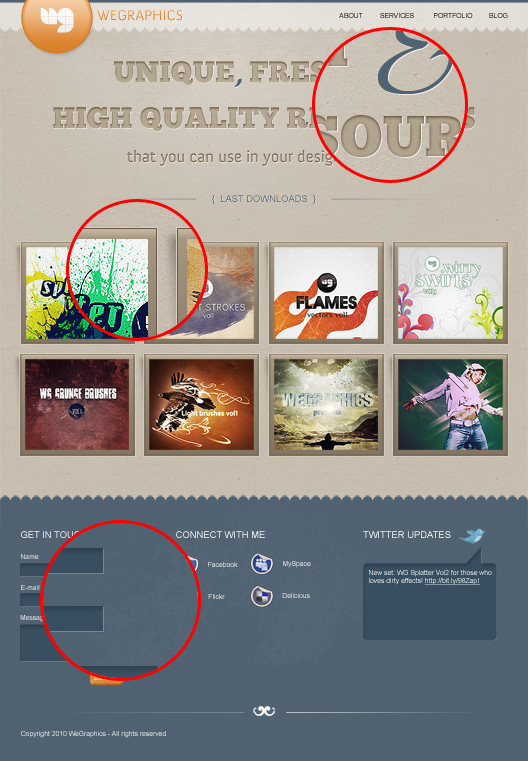
How to create a distinguishable textured web layout in Photoshop
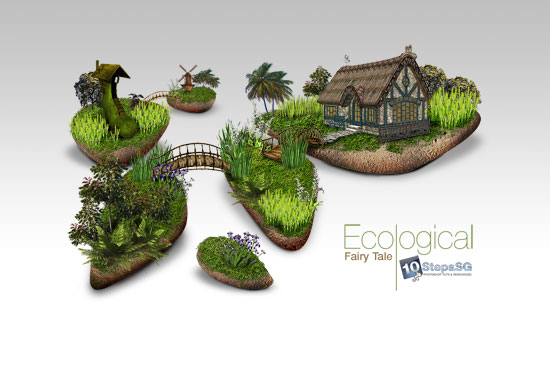
Creating an ecological fairy tale wallpaper
Creating an impactful disco party poster

This is a great collection of tutorials! Thanks for sharing.
eemmm,,,,, I like it…
and this is my designs
http://www.dantefreelance.com
how about U?