
Illustrator and Photoshop Tutorials Roundup – February 2013

It’s time to see all the Illustrator and Photoshop wonders that have been created (and taught) this past month. You can always update your design skills, pick up a new trick or two or even end up buying a vector pack or vector illustration along the way. The beauty of design is – in my opinion – that there’s always room to grow. So let’s join hands and grow together by taking a look at the most interesting and popular design tutorials from February 2013.
Rusty Vintage Tin Sign in Photoshop

Illustrator Tutorial: How to Create Vector Hatching and Embossed Pattern

Illustrator Tutorial: How to Create Vector Polygonal Background Quickly Using Triangulator

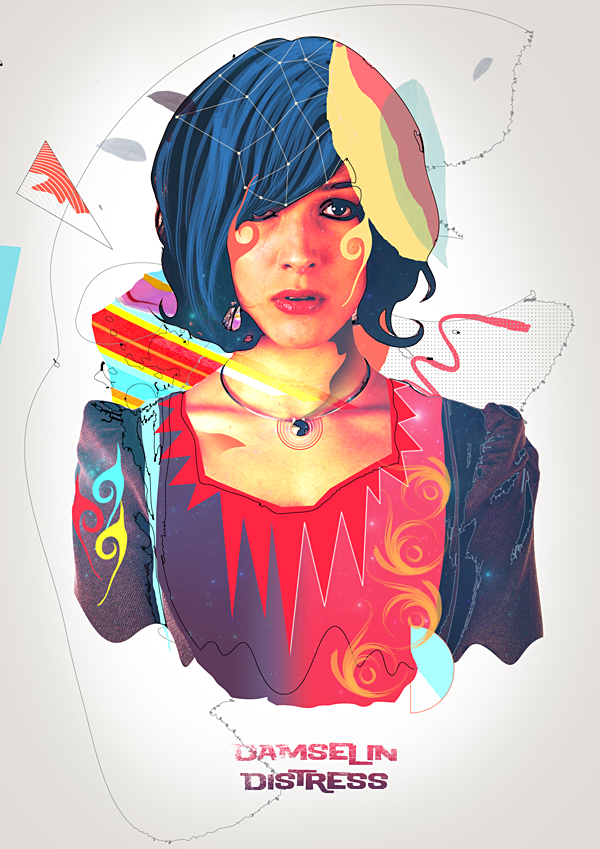
Create a Colorful Retro Poster in Photoshop and Illustrator
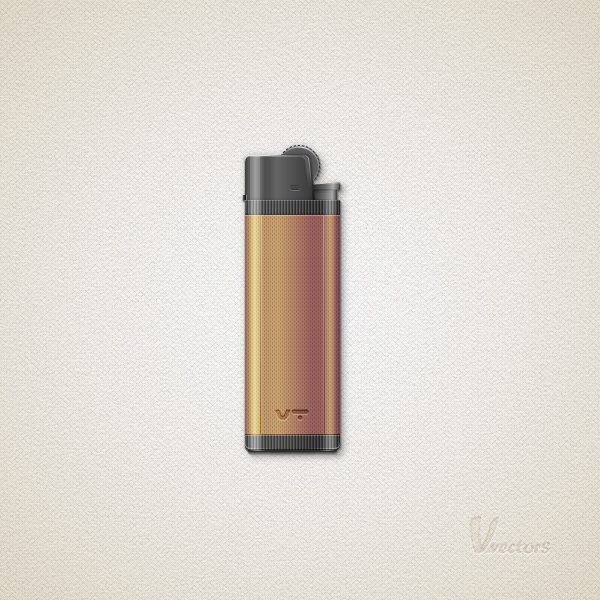
How to Create a Detailed Lighter in Adobe Illustrator
Create a Surreal “Parting of the Sea” Photo Manipulation

Design a Clean and Modern Pricing Table in Photoshop

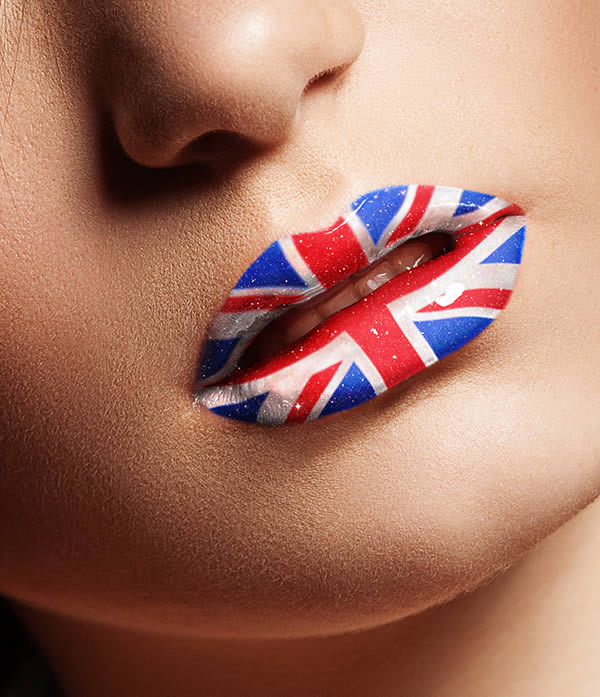
How to Replace a Woman’s Lipstick with Artwork Using Creative Retouching Techniques
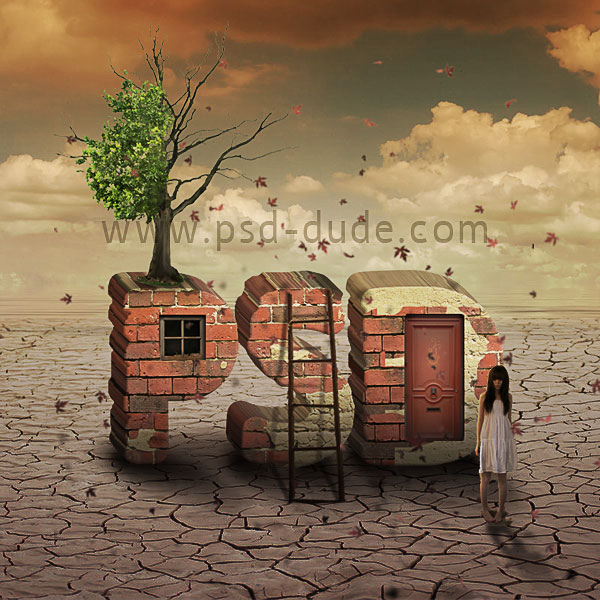
Brick Text Typography Surreal Photoshop Tutorial
How to Create a Retro Style Race Poster in Photoshop

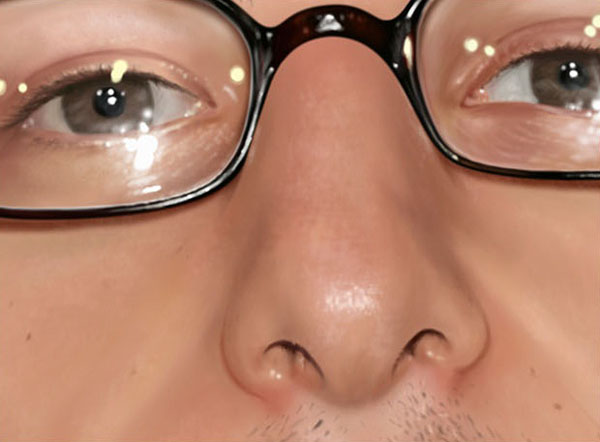
Painting a Realistic Nose – Photoshop Tutorial
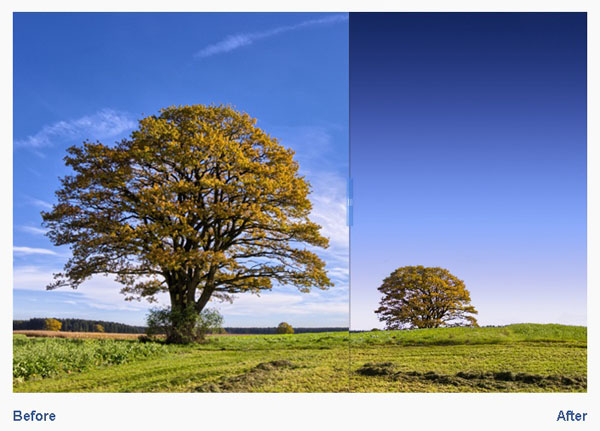
How to Make a Cool Cinemagraph Image in Photoshop

Quick Tip: Erase Backgrounds Quickly with the Background Eraser Tool
How to Create a Detailed Goldfish Couple with Adobe Illustrator

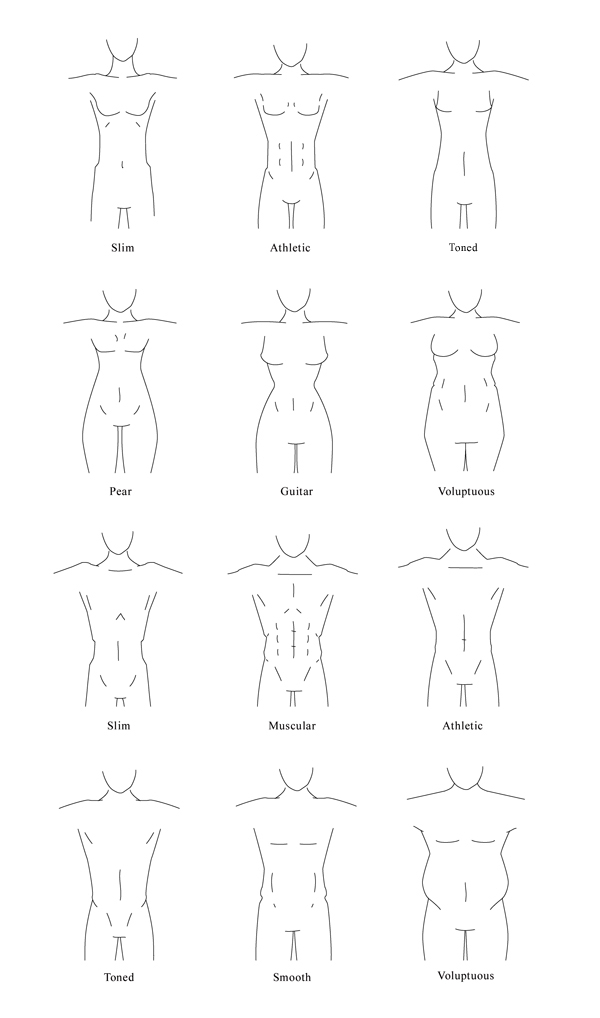
How to Draw Different Body Types for Males and Females
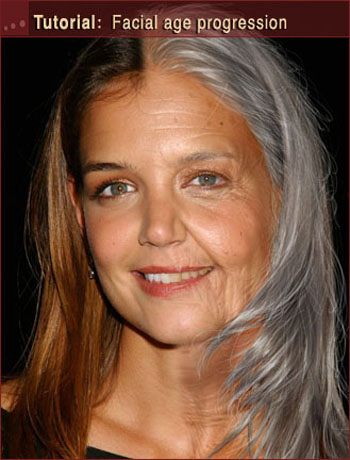
Photoshop Tutorial: Facial Age Progression
Hope you enjoyed these Illustrator and Photoshop tutorials. Let me know in the comments section below which was your favorite or if you think anything is missing!
P.S.: Shout-out to PSD Dude: I saw your comment last month and included one of your tutorials in the roundup. You can contact me via Twitter if you have such proposals or just want to chat. Thanks!
Great list! Thanks for featuring my tutorial :)
I think the 2 eyes are not same….. but I most like your job :)
Thank you for adding my tutorial to your great collection !
You’re welcome, John:) Keep in touch!